The focus app that remembers who you are becoming.
Plan your day in Events, do the work inside them, and write down how it went.
Free on Android. No account needed to start.
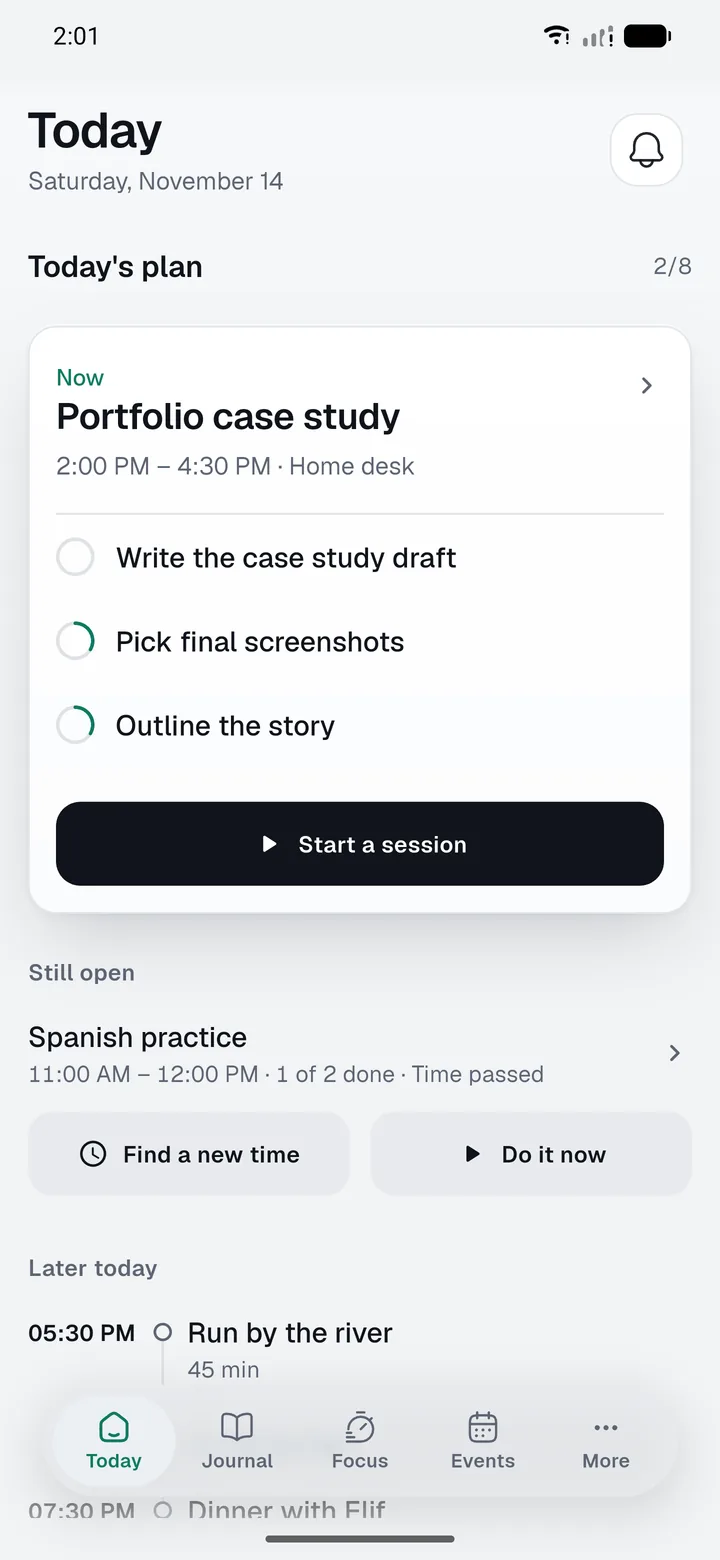
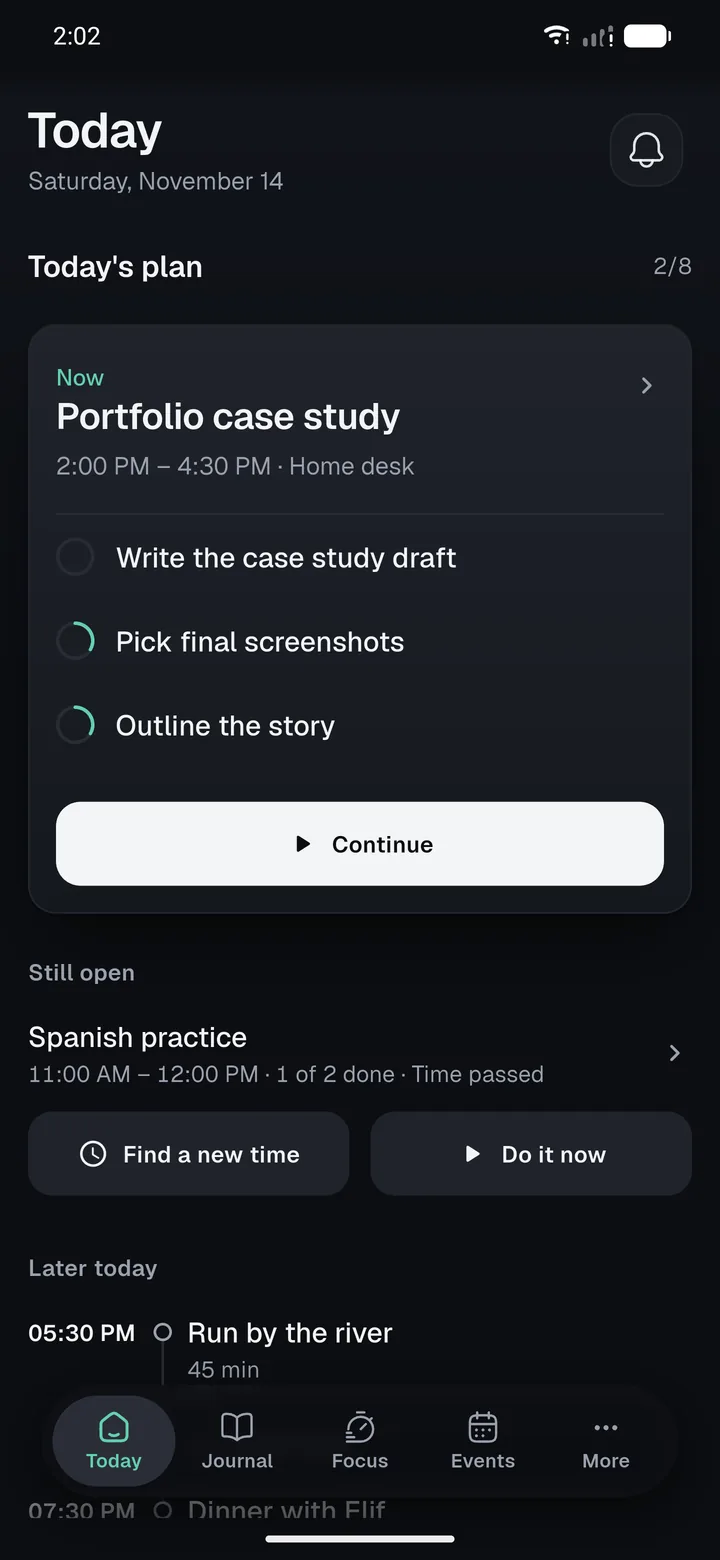
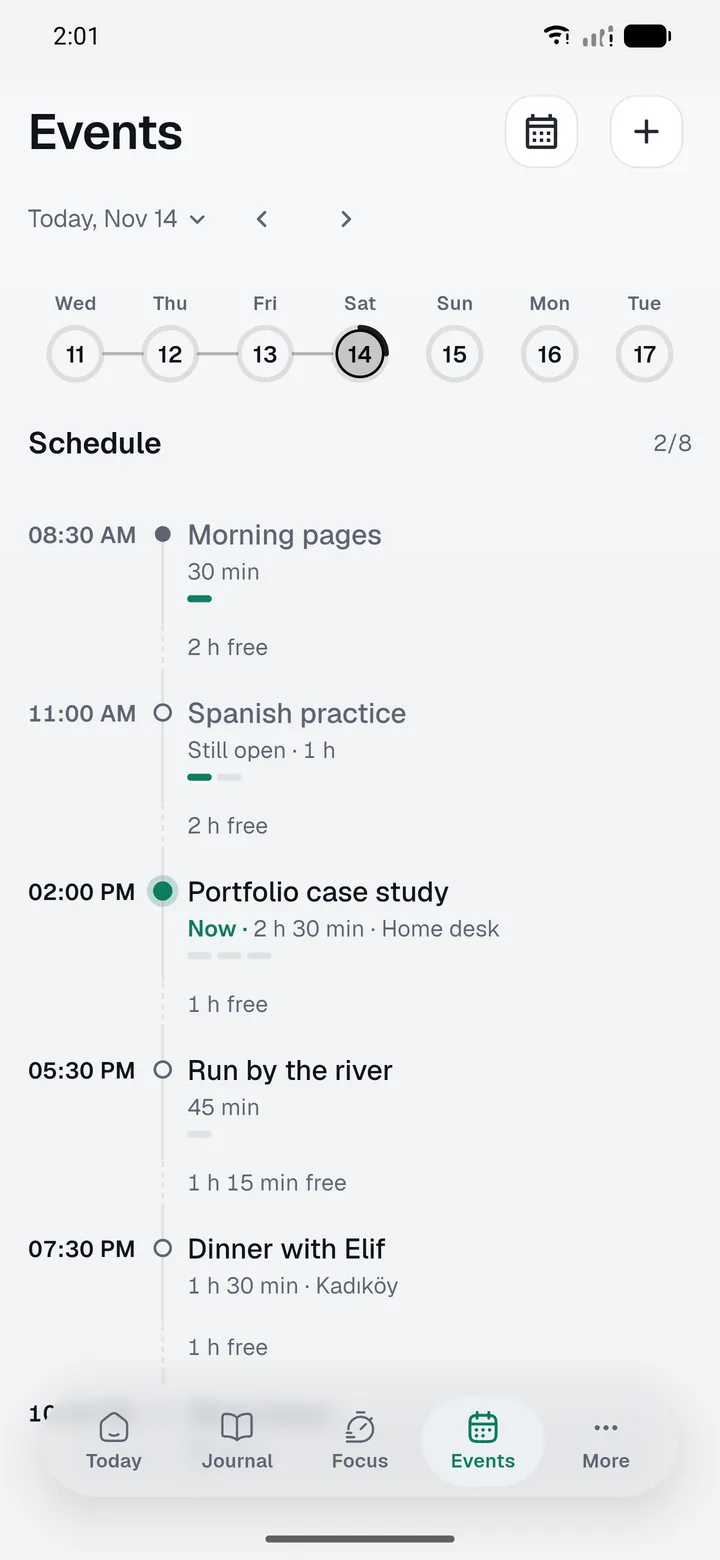
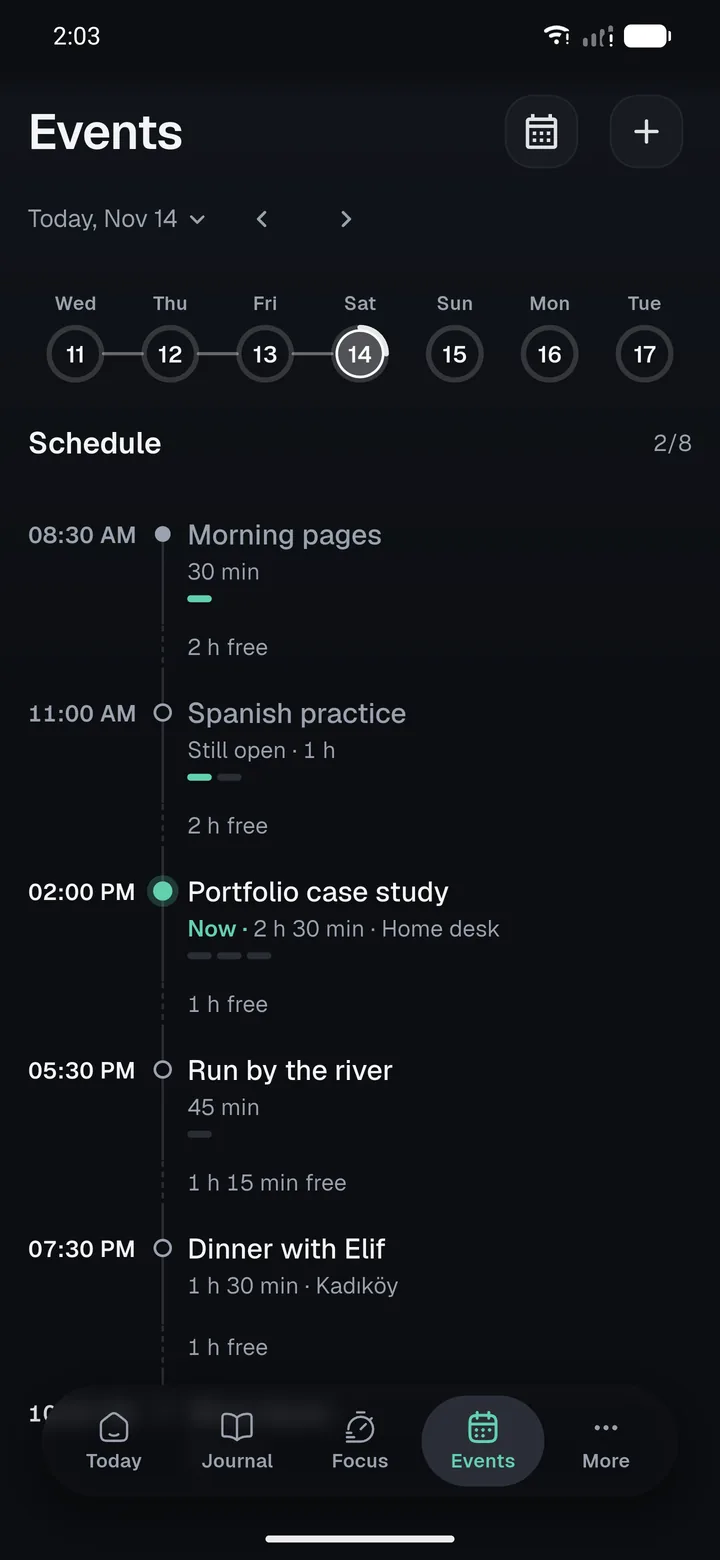
A day made of blocks that hold the work.
An Event is time on your day with its tasks inside. Two hours on the case study: a 90-minute draft, six screenshots to pick, an outline in three steps. Today shows what is on now, reminds you before the next one, and keeps what you didn't finish in view.
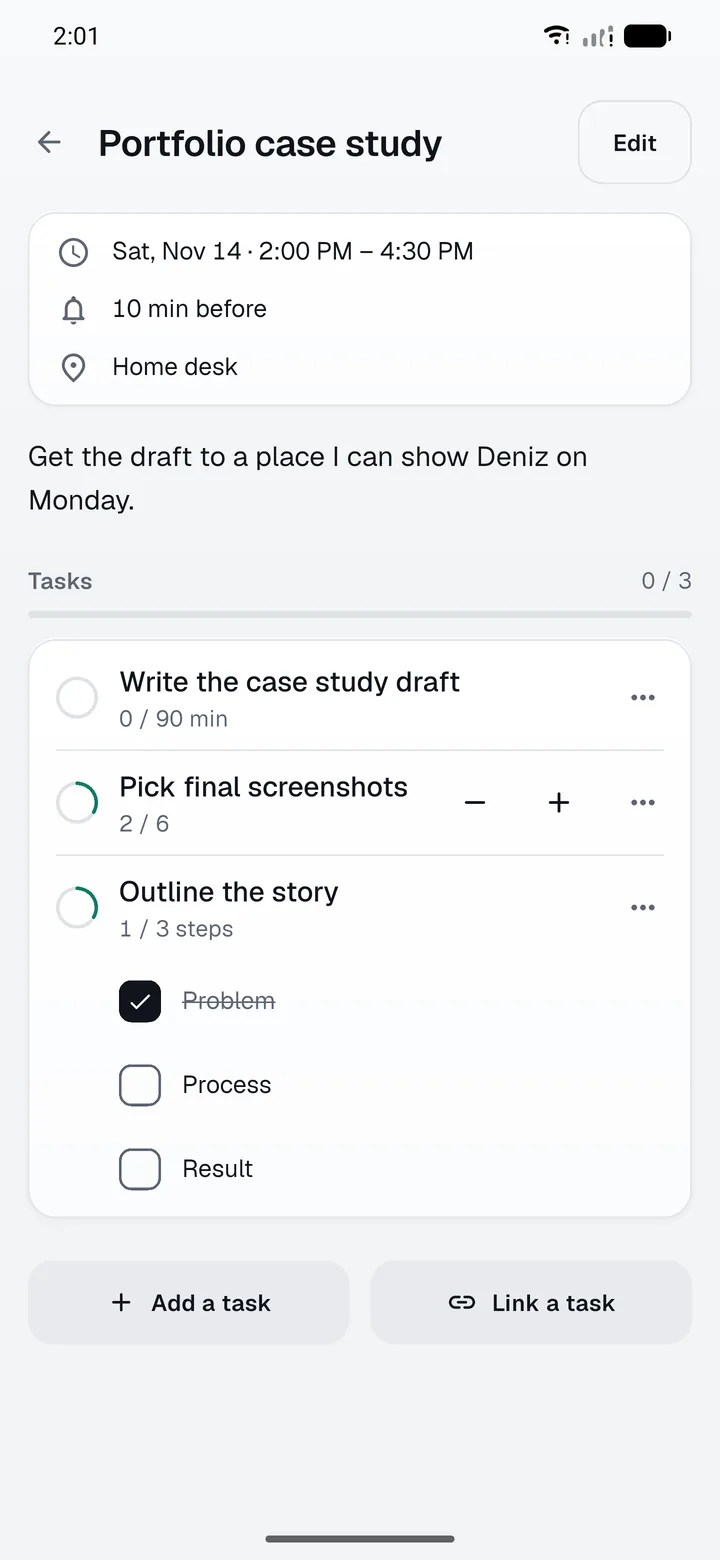
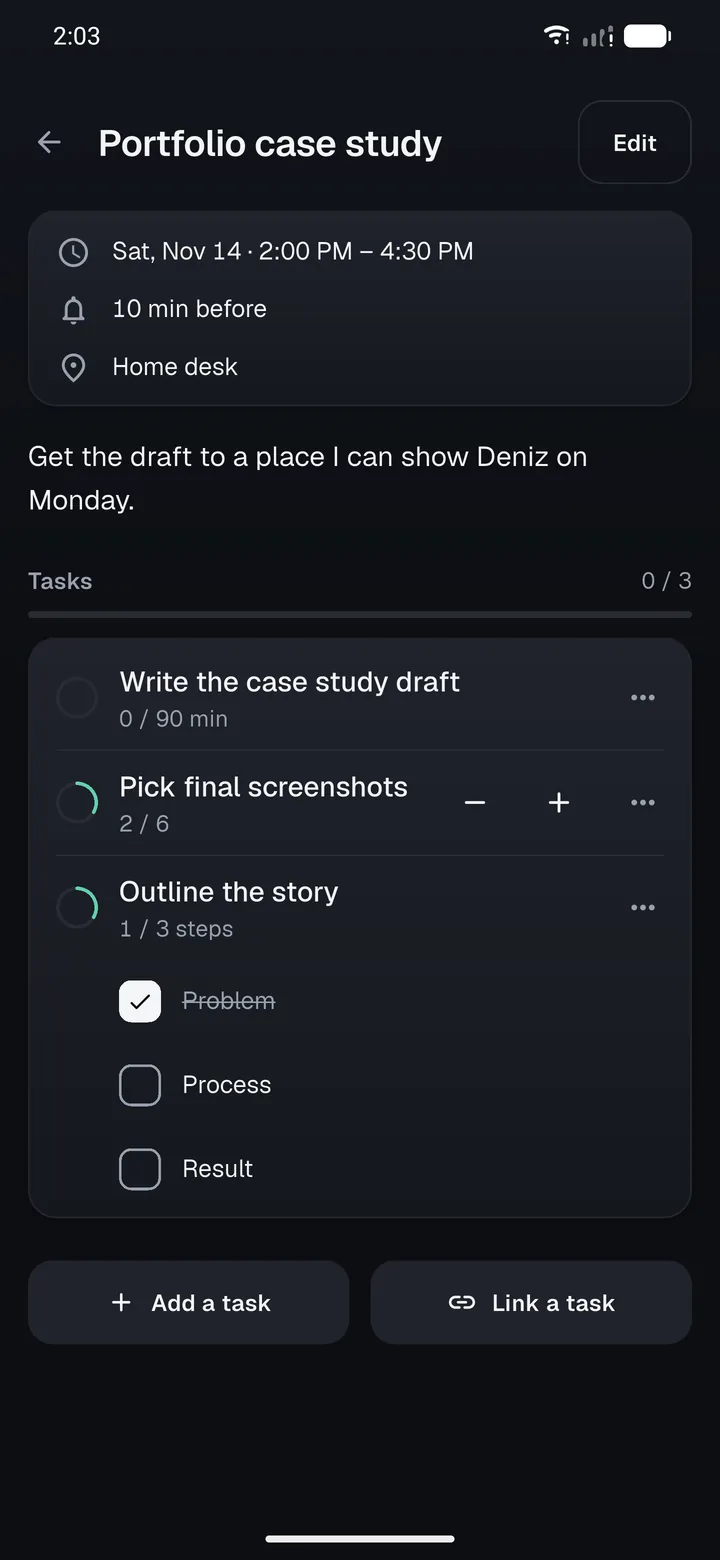
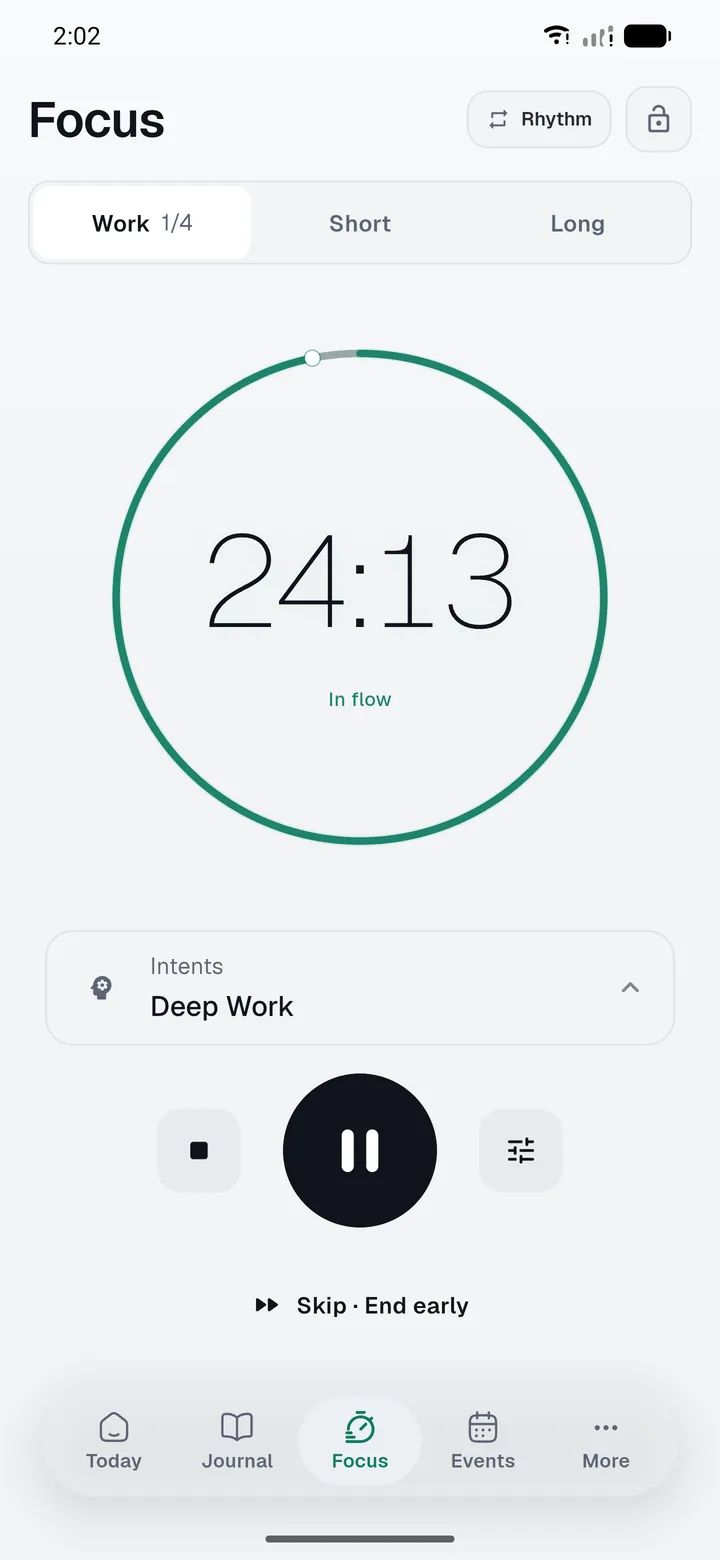
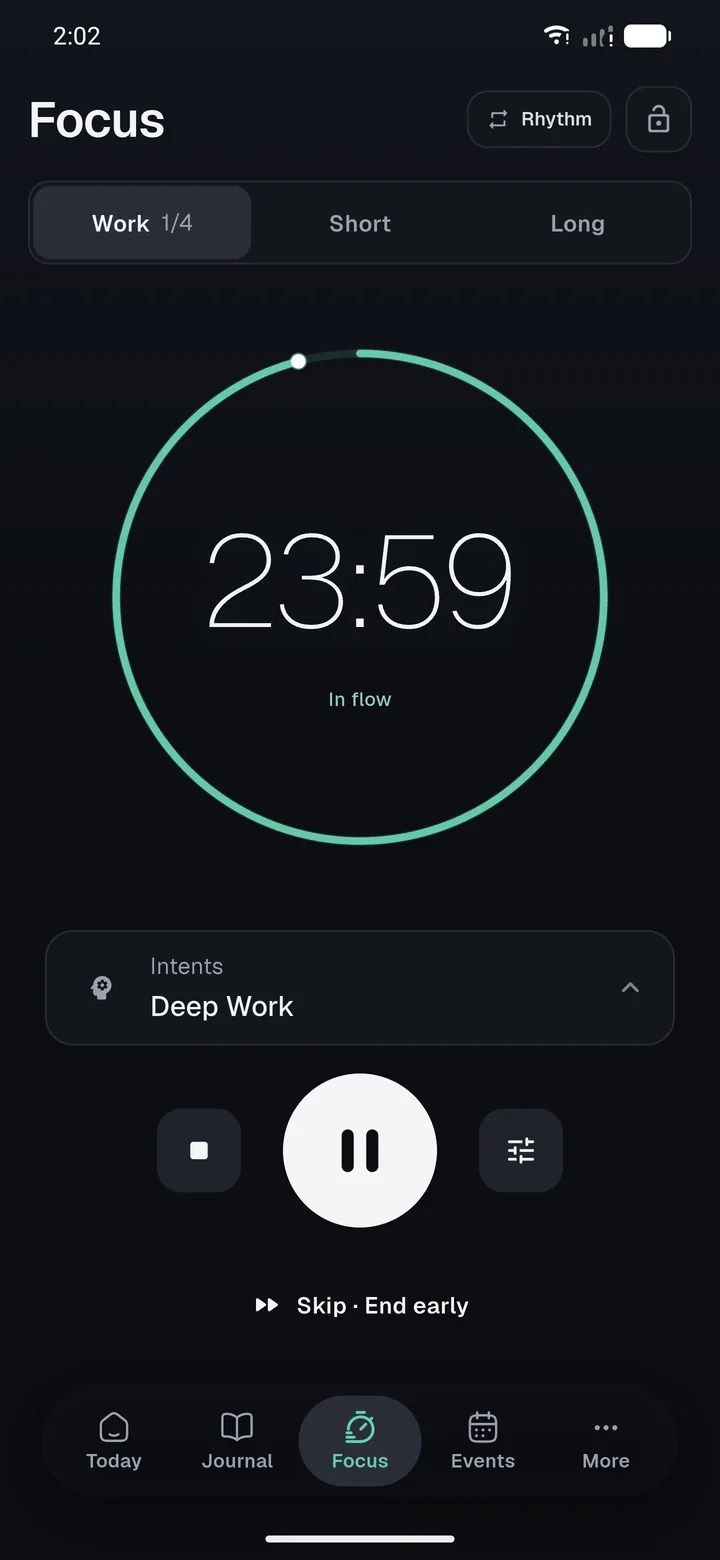
Focus on what the block is for.
Start a session from the Event you are in. Tasks counted in focus minutes fill in as you work, and the timer finishes the session even if you close the app.
A journal that remembers.
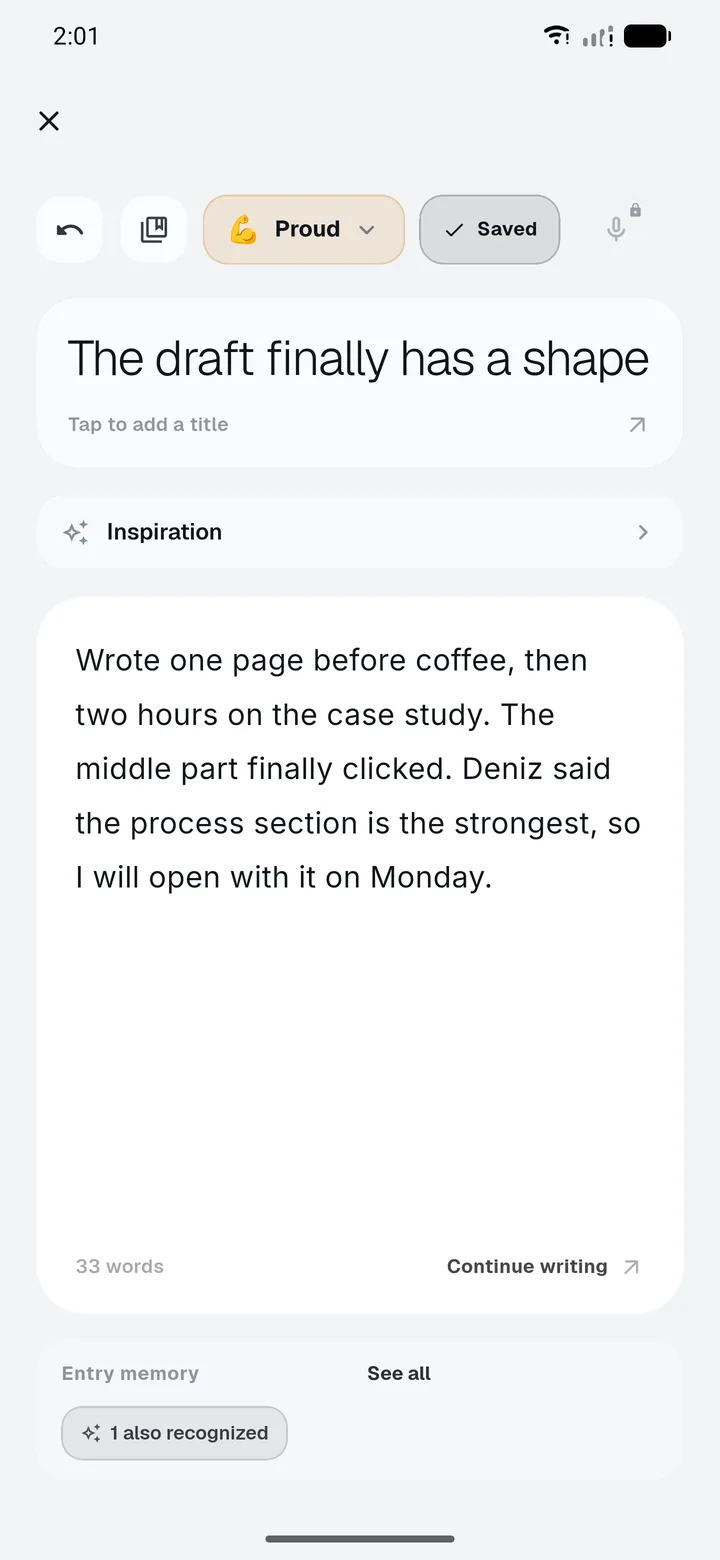
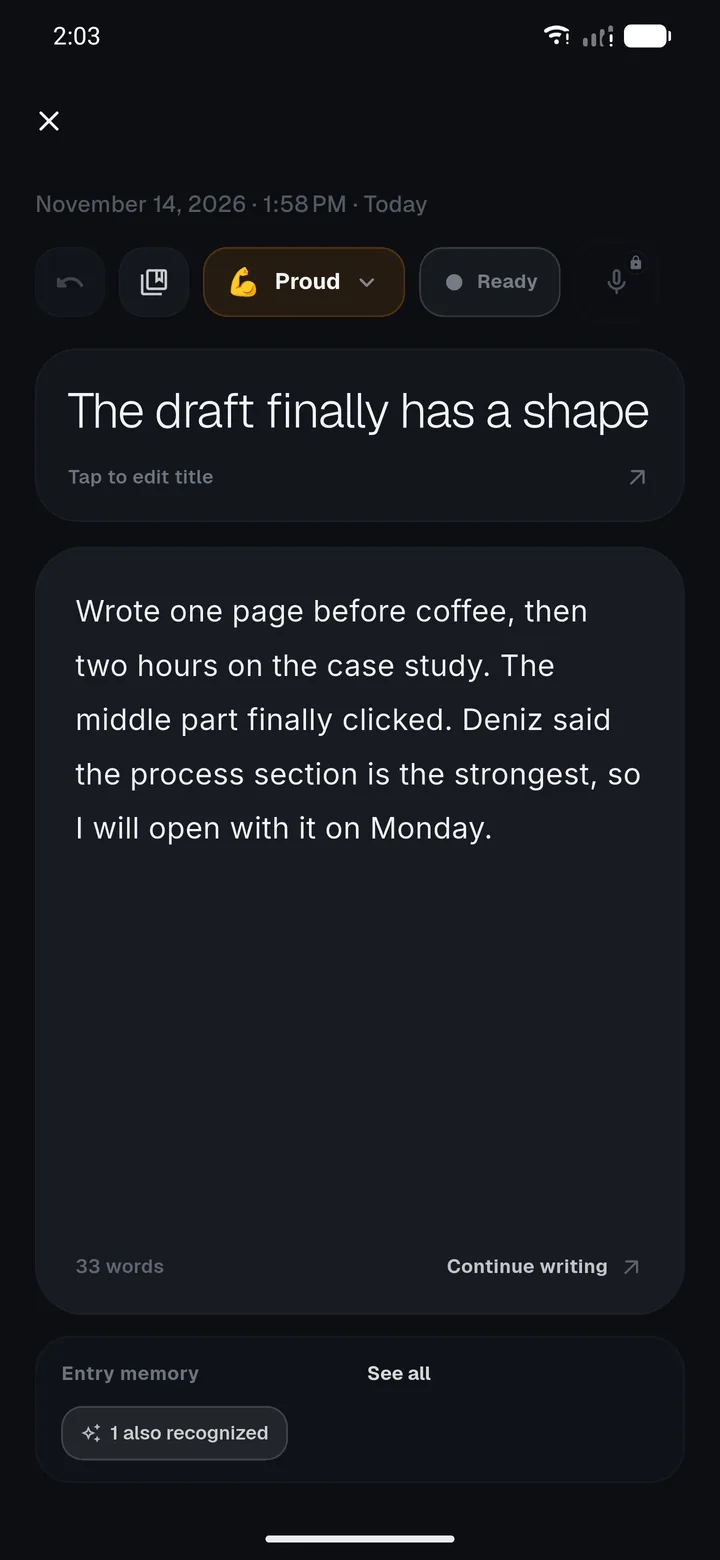
Write what happened, how it felt, and who was there. Aura connects the people, places and collections in your entries, so a stretch of your life is easy to find again.
Plan it with your assistant. Do it in Aura.
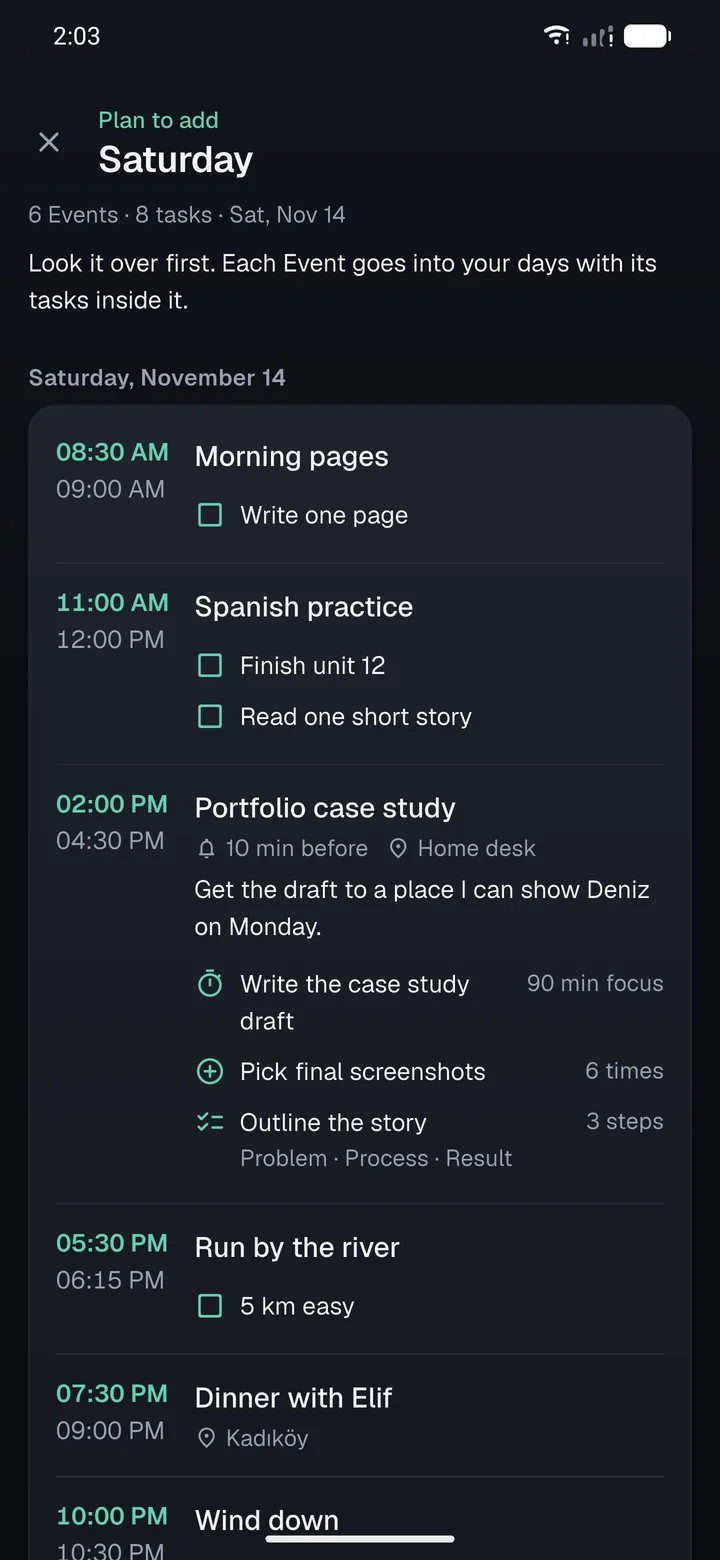
Work out a week with Claude or ChatGPT, and it arrives as Aura Events with the tasks inside. Open the link on your phone to look it over and add it, or connect your Aura account and it lands by itself, with one tap to undo.
How plans from assistants work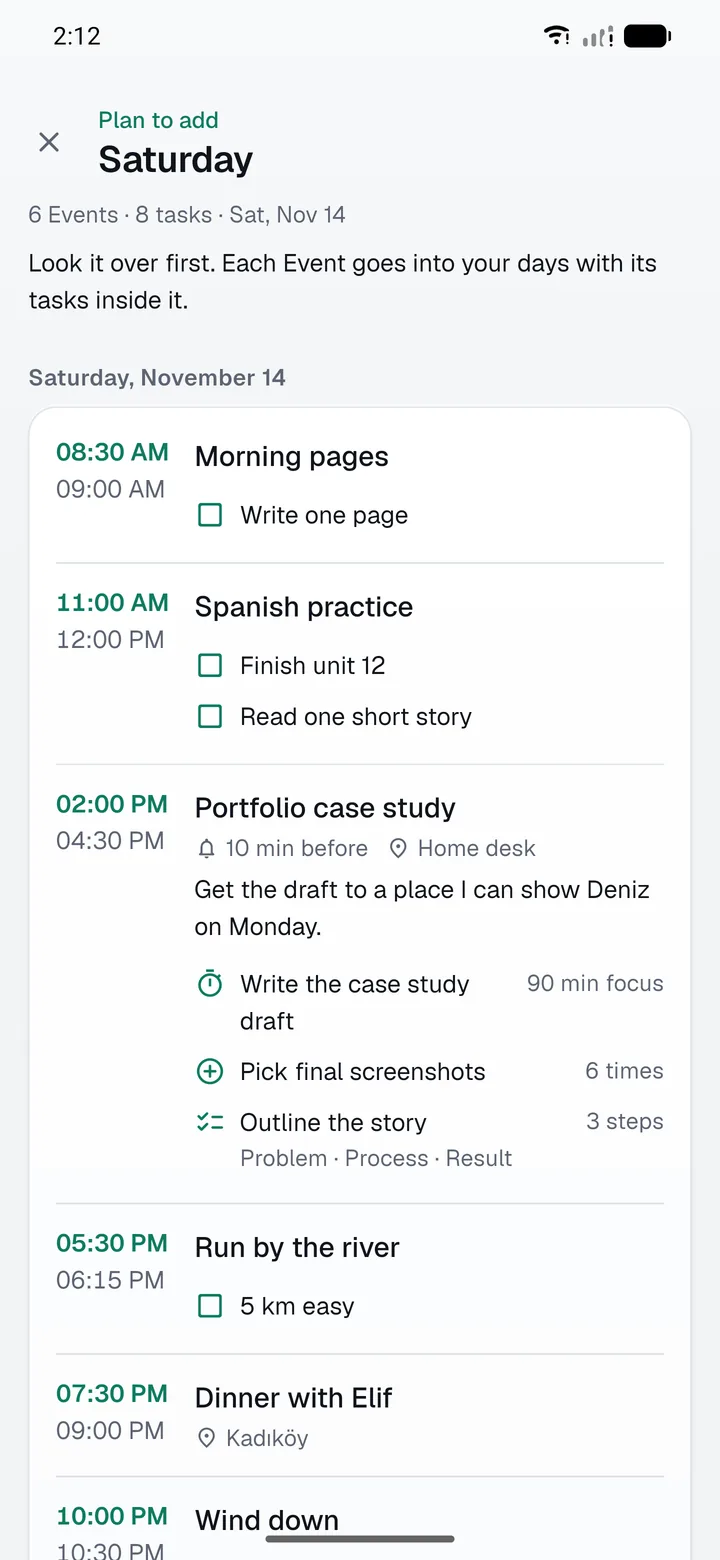
Your story stays yours.
Read the privacy policy- Your Events, tasks and journal stay on your phone until you turn on sync.
- If you sync, journal entries are end-to-end encrypted before they leave the phone.
- Back up everything to a file you keep, and restore it whenever you like. Free.
- No ads.
- Delete your account and its cloud data from the app at any time.
Pro keeps more of your story.
Events, focus, the journal and backups are free, and reading, writing or exporting your own data is never behind Pro. Pro adds what deepens it over time.
- Your journal on every device, end-to-end encrypted
- Automatic sync in the background
- Voice notes in your entries
- A weekly look at your patterns
- Up to 100 plans a day from a connected assistant, instead of 10
- Unlimited streak recovery
Questions
- Is Aura free?
- Yes. Events, focus, the journal and backups are free. Pro is optional: monthly, yearly or once for life.
- Do I need an account?
- No. Sign in with Google only if you want your data on more than one device.
- Is there an iPhone version?
- Aura is on Android for now.
- Where is my data kept?
- On your phone. If you turn on sync, it is stored in your account on Google Firebase, and journal entries are encrypted on the phone before they upload.
Start with today.
Plan one block, do the work inside it, and write a line about how it went. Aura remembers the rest.
Get Aura on Google Play